
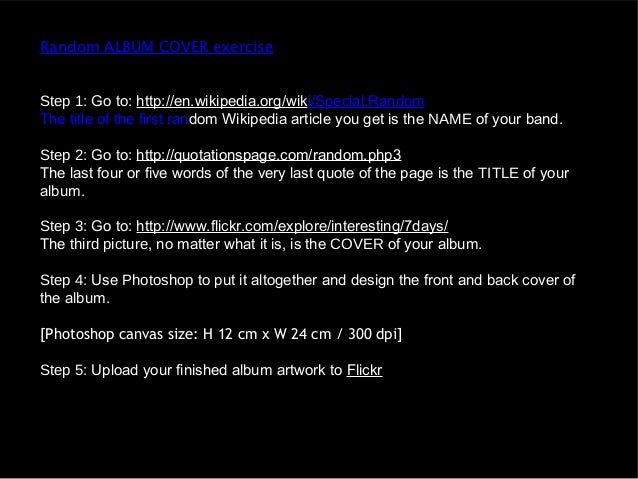
Instructions:
Photoshop featured used:
Will completing this task, I used a multitude of different features in photoshop. I used the transformation the dimensions of the image. I used the text tool to add in the text. I also used the colour pallet to pick the colour I wanted and the pipette tool to make sure the text was all the same colour. I used the text manipulation tools to change the spacing between the text.
What it taught me:
- The positions and placement of text the text is important.
- The text also has to be placed in relation with the image.
- The colour of the text should be the same or similar shades.
- Simple covers can be more effective then busy ones.
- I will have to carefully consider the image I use as it will have to relate to the album as well as having enough space for the text.
- Song titles always do on the back.
- All covers include a bar code and look empty without one.
No comments:
Post a Comment